PostgreSQL Point-in-Time Recovery with pgBackRest
Point-in-time recovery (PITR) restores a PostgreSQL database to any specific moment in time by replaying Write-Ahead Log (WAL) segments on top of a base backup. Combined with pgBackRest for backup management and WAL archiving, PITR is the most reliable way to recover from data corruption, accidental deletions, or application bugs that wrote bad data — rolling the database back to the exact second before the problem occurred.
The Problem
pg_dump gives you a snapshot of the database at the moment you ran it. If your last dump was 6 hours ago and a developer accidentally runs DELETE FROM orders WHERE status = 'pending' without a WHERE clause on the order_id, those 6 hours of data are gone. The dump does not contain any transactions that happened after it was taken.
Even with hourly dumps, you lose everything between the last dump and the incident. For a production database processing thousands of transactions per minute, that gap represents significant data loss. And restoring a pg_dump to a large database takes hours — during which the application is down or running against stale data.
PITR solves this by combining two mechanisms:
1. Base backups — periodic full (or incremental) snapshots of the database files 2. WAL archiving — continuous streaming of every WAL segment to a backup repository
The WAL contains a record of every change made to the database. By replaying WAL segments from a base backup forward to a specific timestamp, you can recover to any point in time between the base backup and the most recent archived WAL segment. If the last archived WAL is 30 seconds old, your maximum data loss is 30 seconds — not 6 hours.
The failure modes are predictable: teams that do not set up WAL archiving discover they need PITR only after a disaster, when it is too late. Teams that set up archiving but never test a recovery find out during an emergency that their backups are corrupt, the WAL chain is broken, or they do not know the correct recovery commands. Teams that test recovery but do not monitor archiving find out that WAL archiving silently failed days ago, creating a gap in the recovery chain.
pgBackRest is the standard tool for PostgreSQL backup management. It handles base backups (full, incremental, differential), WAL archiving, backup retention, backup verification, and the recovery process — with parallel compression, encryption, and remote backup repository support.
How to Detect It
Check whether WAL archiving is configured and functioning:
-- Is WAL archiving enabled?
SELECT name, setting
FROM pg_settings
WHERE name IN (
    'archive_mode',
    'archive_command',
    'archive_timeout',
    'wal_level'
);
You need archive_mode = on and wal_level = replica (or logical) at minimum. If archive_mode is off, no WAL segments are being preserved — PITR is impossible.
Check the archiving status for failures:
-- Is WAL archiving keeping up?
SELECT
    archived_count,
    failed_count,
    last_archived_wal,
    last_archived_time,
    last_failed_wal,
    last_failed_time,
    now() - last_archived_time AS archive_lag
FROM pg_stat_archiver;
A non-zero failed_count or an archive_lag greater than a few minutes signals a problem. If last_failed_time is recent and last_failed_wal is set, the archiving pipeline is broken and WAL segments are accumulating on the primary server — eventually filling the disk.
Verify your pgBackRest configuration and backup freshness:
# Check backup status
pgbackrest info --stanza=main

# Verify the most recent backup is not corrupt
pgbackrest verify --stanza=main
The info command shows all backups with their type (full, differential, incremental), size, and WAL range. If the most recent backup is more than 24 hours old (or whatever your policy requires), you have a backup gap that increases your recovery time.
How myDBA.dev Shows It
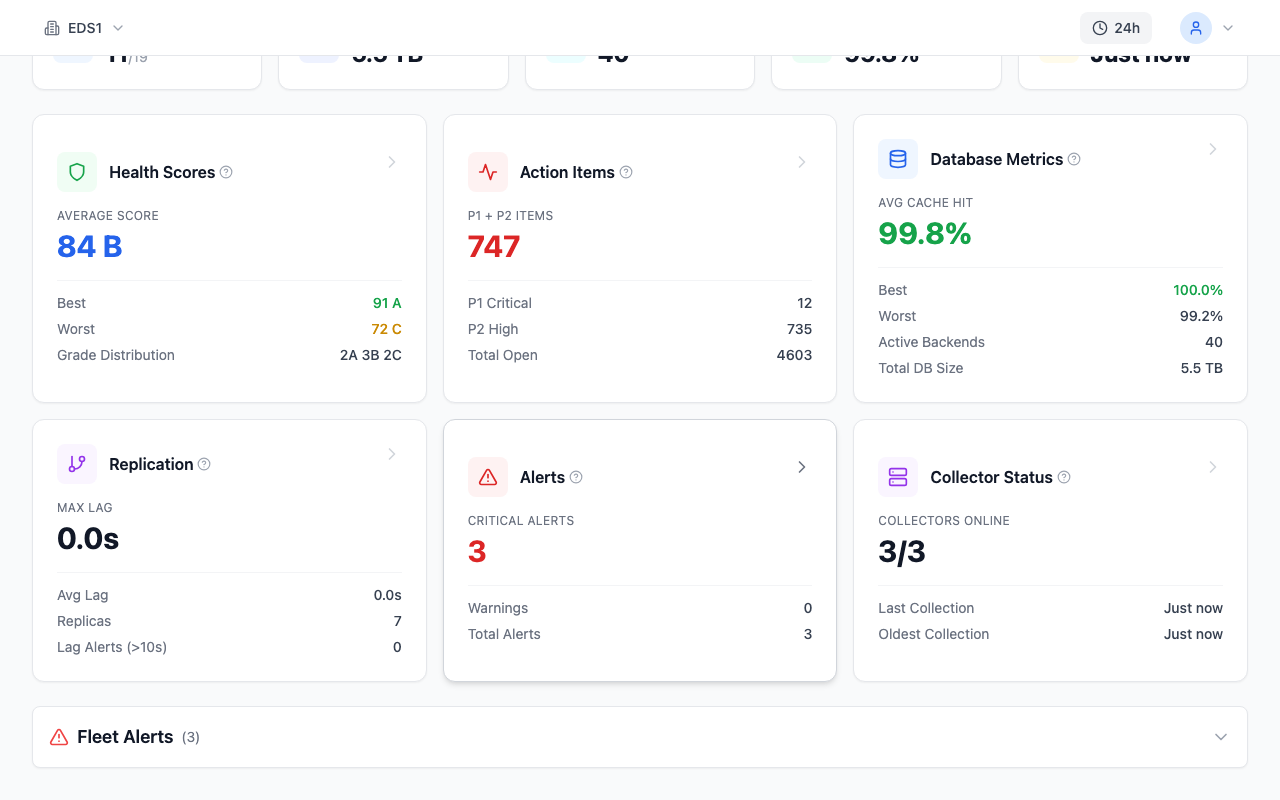
myDBA.dev's WAL & Archive monitoring provides continuous visibility into the WAL archiving pipeline. The dashboard tracks WAL generation rate, archive lag, and failed archiving attempts in real time. When the archive lag exceeds a threshold, an alert fires — giving you early warning that the PITR chain is at risk before a gap forms.

The Health Check includes backup freshness and WAL archiving assessments. If archive_mode is disabled, the health check flags it as a critical finding. If the last archived WAL is stale or archiving failures are accumulating, the WAL & Backup domain score drops, making the risk visible in the overall health grade.
How to Fix It
Step 1: Install and Configure pgBackRest
Install pgBackRest on the PostgreSQL server (or a dedicated backup host):
# Debian/Ubuntu
sudo apt-get install pgbackrest

# RHEL/Rocky
sudo dnf install pgbackrest
Create the pgBackRest configuration at /etc/pgbackrest/pgbackrest.conf:
[main]
pg1-path=/var/lib/postgresql/18/main

[global]
repo1-path=/var/lib/pgbackrest
repo1-retention-full=2
repo1-retention-diff=7
repo1-cipher-type=aes-256-cbc
repo1-cipher-pass=your-secure-encryption-passphrase

# Parallel compression for faster backups
process-max=4
compress-type=zst
compress-level=6

# Log settings
log-level-console=info
log-level-file=detail
Step 2: Configure PostgreSQL for WAL Archiving
Add these settings to postgresql.conf:
wal_level = replica
archive_mode = on
archive_command = 'pgbackrest --stanza=main archive-push %p'
archive_timeout = 60
The archive_timeout setting forces a WAL switch every 60 seconds, even if the WAL segment is not full. This limits maximum data loss to 60 seconds at the cost of slightly more WAL traffic. For most production databases, this is an excellent trade-off.
Restart PostgreSQL to apply the changes, then create the pgBackRest stanza:
# Create the stanza (one-time setup)
pgbackrest --stanza=main stanza-create

# Verify the configuration
pgbackrest --stanza=main check
Step 3: Take Backups
Establish a backup schedule with full and incremental backups:
# Full backup (weekly — captures entire database)
pgbackrest --stanza=main --type=full backup

# Differential backup (daily — captures changes since last full)
pgbackrest --stanza=main --type=diff backup

# Incremental backup (hourly — captures changes since last any backup)
pgbackrest --stanza=main --type=incr backup
A typical schedule: one full backup per week, one differential per day, incremental every 6 hours. Cron example:
0 2 * * 0  pgbackrest --stanza=main --type=full backup
0 2 * * 1-6  pgbackrest --stanza=main --type=diff backup
0 */6 * * *  pgbackrest --stanza=main --type=incr backup
Step 4: Perform Point-in-Time Recovery
When disaster strikes, restore to a specific timestamp:
# Stop PostgreSQL
sudo systemctl stop postgresql

# Restore to a specific point in time
pgbackrest --stanza=main --type=time \
    --target="2026-02-28 14:30:00+00" \
    --target-action=promote \
    restore

# Start PostgreSQL — it will replay WAL up to the target time
sudo systemctl start postgresql
The --target is the timestamp to recover to — set it to just before the incident. The --target-action=promote tells PostgreSQL to open for read-write after recovery completes. Without it, the database remains in recovery mode.
You can also restore to a specific transaction ID or named restore point:
-- Create a named restore point before a risky migration
SELECT pg_create_restore_point('before_schema_migration');
# Restore to the named restore point
pgbackrest --stanza=main --type=name \
--target="before_schema_migration" \
--target-action=promote \
restoreStep 5: Test Recovery Regularly
The most critical step is testing. Schedule a monthly recovery test to a standby server:
# Restore to a test server (different pg1-path)
pgbackrest --stanza=main --type=time \
    --target="2026-02-28 12:00:00+00" \
    --target-action=promote \
    --pg1-path=/var/lib/postgresql/18/test_recovery \
    restore
Verify that the restored database contains the expected data at the target timestamp. If the recovery fails or data is missing, fix the backup configuration before you need it in an emergency.
How to Prevent It
Build PITR into your infrastructure from day one, not after the first data loss incident. Every production PostgreSQL database should have WAL archiving enabled before it takes its first production write.
Monitor three metrics continuously:
1. Archive lag — time since the last successful WAL archival. Alert if this exceeds 5 minutes 2. Failed archive count — any non-zero value requires immediate investigation 3. Backup age — time since the last successful backup. Alert if this exceeds your backup interval plus a buffer
myDBA.dev tracks WAL generation rate and archiving lag over time, providing trend visibility that raw pg_stat_archiver queries cannot. A gradual increase in archive lag often precedes a complete archiving failure — catching the trend early prevents a gap in the WAL chain.
Test recovery quarterly at minimum. An untested backup is not a backup — it is a hope. Document the recovery procedure, including the exact commands, the expected recovery time, and the person responsible for executing it. Run the test end-to-end: restore from backup, replay WAL to a target time, verify data integrity, and record how long the entire process takes. That recorded recovery time is your actual RTO (Recovery Time Objective) — not the number in your infrastructure documentation.
Store backups off-host. A backup on the same disk as the database is destroyed by the same disk failure. Use a remote repository (S3, Azure Blob, GCS, or a separate server) for pgBackRest backups. Enable encryption (repo1-cipher-type=aes-256-cbc) to protect backup data at rest.
FAQ
How does PostgreSQL point-in-time recovery work?
PITR combines a base backup (a snapshot of all database files) with WAL segments (a record of every change made to the database). To recover, pgBackRest restores the base backup and then replays WAL segments from the backup forward to the target timestamp. PostgreSQL processes each WAL record in order, reconstructing the exact state of the database at that moment. This provides granularity down to individual transactions.
What is the difference between full, differential, and incremental backups?
A full backup copies the entire database. A differential backup copies only files that changed since the last full backup. An incremental backup copies only files that changed since the last backup of any type. Full backups are the largest and slowest but are self-contained. Differential backups require the last full backup to restore. Incremental backups require the last full backup plus all intermediate incrementals, but they are the fastest and smallest.
How often should I take PostgreSQL backups?
A common production schedule is: one full backup per week, one differential backup per day, and WAL archiving continuously. This balances storage cost (fewer full backups) with recovery speed (differentials limit WAL replay time). For critical databases, add incremental backups every 6 hours. The key factor is your Recovery Time Objective (RTO) — more frequent backups mean less WAL to replay during recovery, which means faster recovery.
Can I restore a single table with PITR?
Standard PITR restores the entire database cluster to a point in time — you cannot selectively restore a single table. To recover a single table, restore to a separate server, then use pg_dump to export just that table and import it into the production database. pgBackRest does not support table-level recovery directly, but this two-step process achieves the same result.